
Mojolauncher – #1 Minecraft Launcher
For years, Minecraft Java Edition has been considered a PC-exclusive experience. While Bedrock Edition dominates mobile devices, many players still prefer Java because of its advanced modding capabilities, massive server ecosystem, and endless customization options. That’s where Mojolauncher comes in.
Built on the foundation of PojavLauncher, Mojolauncher allows Android users to run Minecraft Java Edition directly on their phones and tablets. It supports Forge, Fabric, multiple Minecraft versions, and even advanced modding features typically reserved for desktop users. According to the project’s documentation, the launcher can run nearly every Minecraft version, from older builds to the latest snapshots.
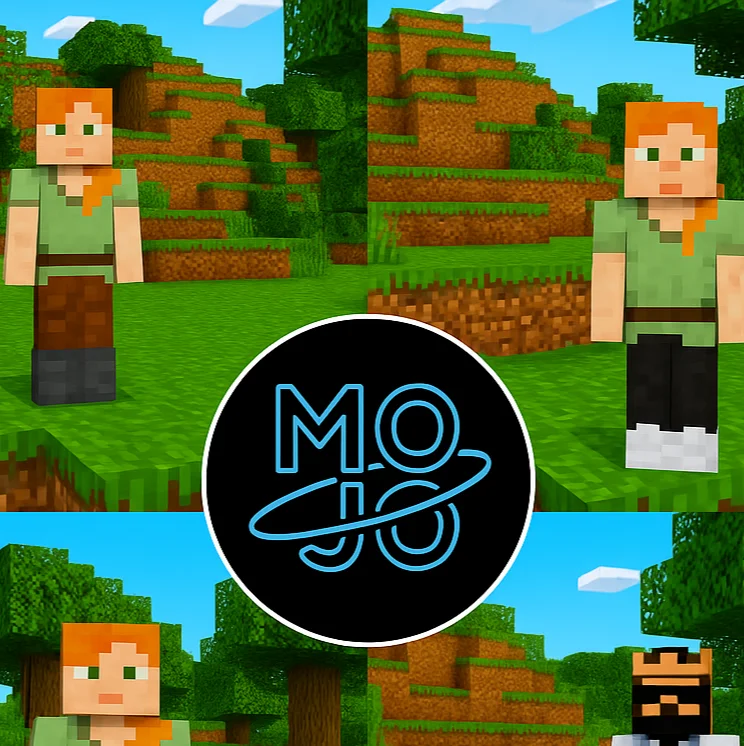
What Is MojoLauncher?
Mojo Launcher is a third-party Minecraft launcher designed for players who want quick and flexible access to Minecraft without relying on the official launcher. It enables users to play Minecraft for free, even without an official Mojang or Microsoft account, making it especially popular among gamers in regions where purchasing the game may be difficult.
Whether you’re a veteran Minecraft player or a newcomer, Mojo Launcher offers a lightweight, intuitive interface to get started with the game right away. Its open-source nature also means it’s continuously improving, with developers and the community working hand in hand.
Features
No Official Account Required
Perhaps the most attractive feature is that you don’t need a Mojang or Microsoft account to use it. This allows more users to experience Minecraft without authentication barriers. Users can enter a username and launch the game.
Cross-Platform Compatibility
Mojo Launcher is available on multiple operating systems such as Windows, macOS, Linux, and Android, making it an ideal choice for gamers who switch between devices or prefer different platforms for their gameplay.
Lightweight & Fast
Designed with performance in mind, Mojo Launcher is remarkably lightweight and consumes minimal system resources. This means faster startup times and smoother operation, even on lower-end devices.
Open Source & Community-Driven
As an open-source project, Mojo Launcher is continuously updated by contributors on GitHub. This transparency gives users peace of mind and allows tech-savvy players to suggest or implement their improvements.
Safe & Secure
Unlike shady cracked launchers that come with security risks, Mojo Launcher is secure and regularly updated. There are no malicious ads or bundled software—just a smooth Minecraft experience.
Version Selection
Users can easily select and download various Minecraft versions, ranging from the latest release to older versions, providing players with the flexibility to play modded or legacy versions.
Why Minecraft Players Use Mojolauncher
Many Android players choose Mojolauncher because it bridges the gap between mobile convenience and Java Edition flexibility.
Minecraft Java has long been favored by technical players due to its extensive modding ecosystem. Mods can introduce new dimensions, automation systems, RPG mechanics, shaders, and complete gameplay overhauls.
Mojolauncher provides access to these possibilities without requiring a gaming PC. According to official project information, users can launch different Minecraft versions and use popular mod loaders such as Forge and Fabric directly on Android.
Running Mods and Modpacks
Mod support is one of Mojolauncher’s primary selling points.
Using Forge
Forge remains the preferred platform for large content mods. Installation typically involves creating a Forge instance and placing compatible mods in the designated folder.
Using Fabric
Fabric offers lightweight performance and rapid updates. Players focusing on optimization mods frequently prefer this ecosystem.
Common Mistakes
- Mixing incompatible versions
- Using desktop-only mods
- Insufficient RAM allocation
- Installing conflicting shader packs
Is Mojolauncher Safe?
Safety remains one of the most searched topics surrounding Mojolauncher.
Official documentation highlights open-source development and community oversight as factors supporting transparency.
However, community discussions reveal mixed opinions regarding account usage and unofficial downloads. Some users report positive experiences, while others recommend caution when using third-party launchers.
Download Mololauncher
How To Download and Install
For Windows/Linux/macOS:
For Android
What people are saying
F.A.Q’s
Conclusion
In the ever-evolving world of Minecraft, Mojo Launcher offers a simple, fast, and user-friendly way to dive into the blocky realms without any official account requirements. While it doesn’t offer everything that official or premium launchers do (like automatic mod support or multiplayer authentication), Mojo Launcher is perfect for those who want a free, offline-friendly, and straightforward way to play Minecraft, especially in regions where access to the original game is limited.
For Minecraft enthusiasts, the biggest benefit isn’t simply portability. It’s access to the rich ecosystem that has made Java Edition the preferred choice for builders, modders, server owners, and technical players for more than a decade. Whether you’re experimenting with Forge modpacks, exploring Fabric optimization mods, or revisiting classic Minecraft releases, Mojolauncher opens doors that were previously limited to desktop gaming.
